Bring email, calendar, video conferencing, files and document editors together in a single account. Use AI processed on Horizon's own infrastructure, with no third-party cloud, to summarize messages and flag what needs action, instead of reading them one by one.
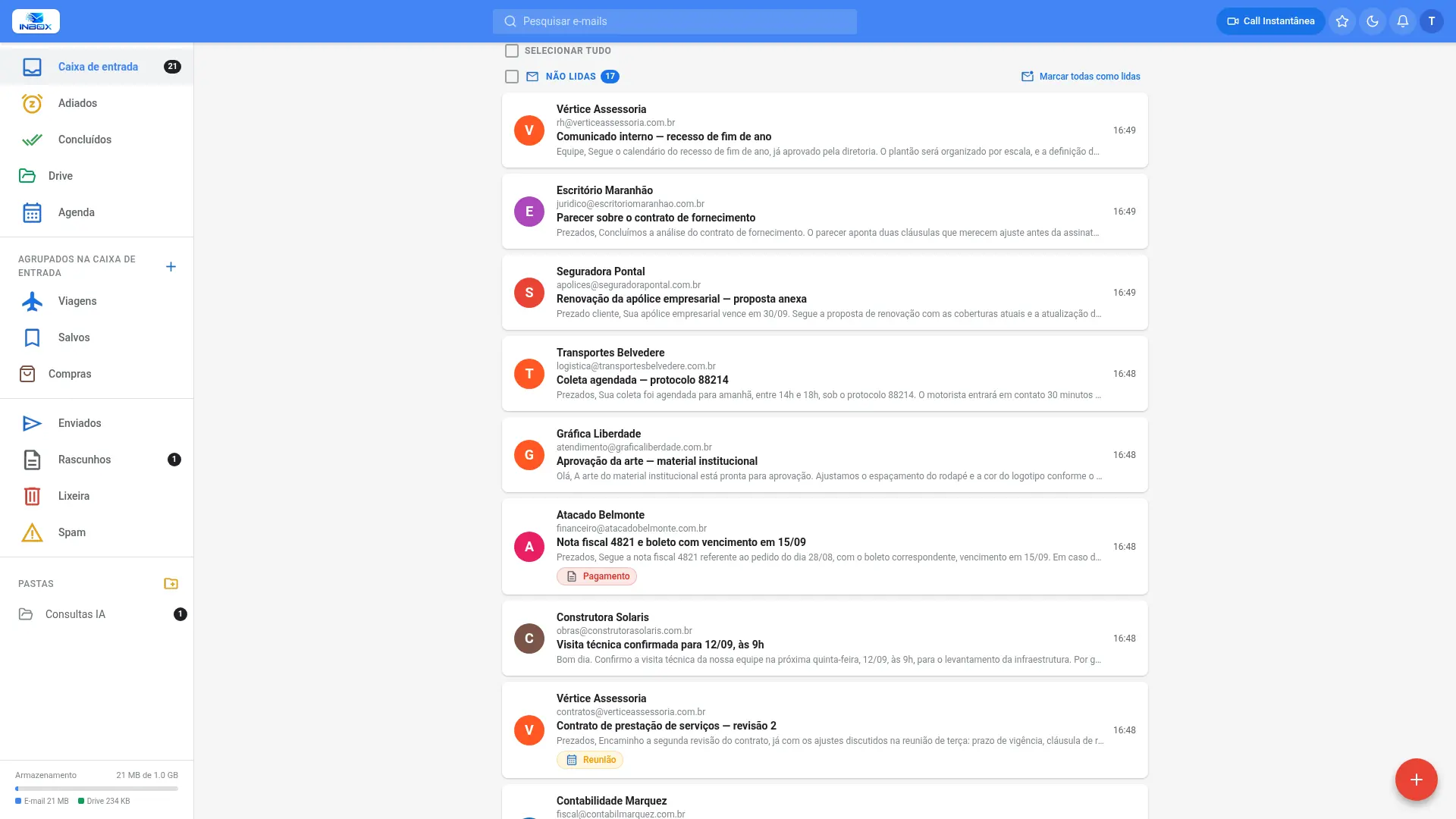
Visual organization of your conversations, by time and content classification.
Explore the interface
The editor opens inside the conversation itself, without repeating the whole history, keeping the thread easy to read.
See the webmail features
Summary, sender intent, requested actions and flagged inconsistencies — processed on Horizon's own infrastructure. The assistant helps summarize long content and extended message threads.
How the AI is processed
When a message mentions a meeting, INBOX offers to schedule it with a title, date and time. The event includes location, agenda and attendees, and a video call can be added — without subscribing to a separate tool.
Explore the calendar
The AI assistant searches messages and attachments by subject, returns the answer and cross-references information from different dates.


PDFs, electronic invoices, spreadsheets and documents — even scanned PDFs and photos.
Amounts and dates come straight from the source file; the AI only writes the answer.
Each answer lists the messages it came from, and each one opens with a click.
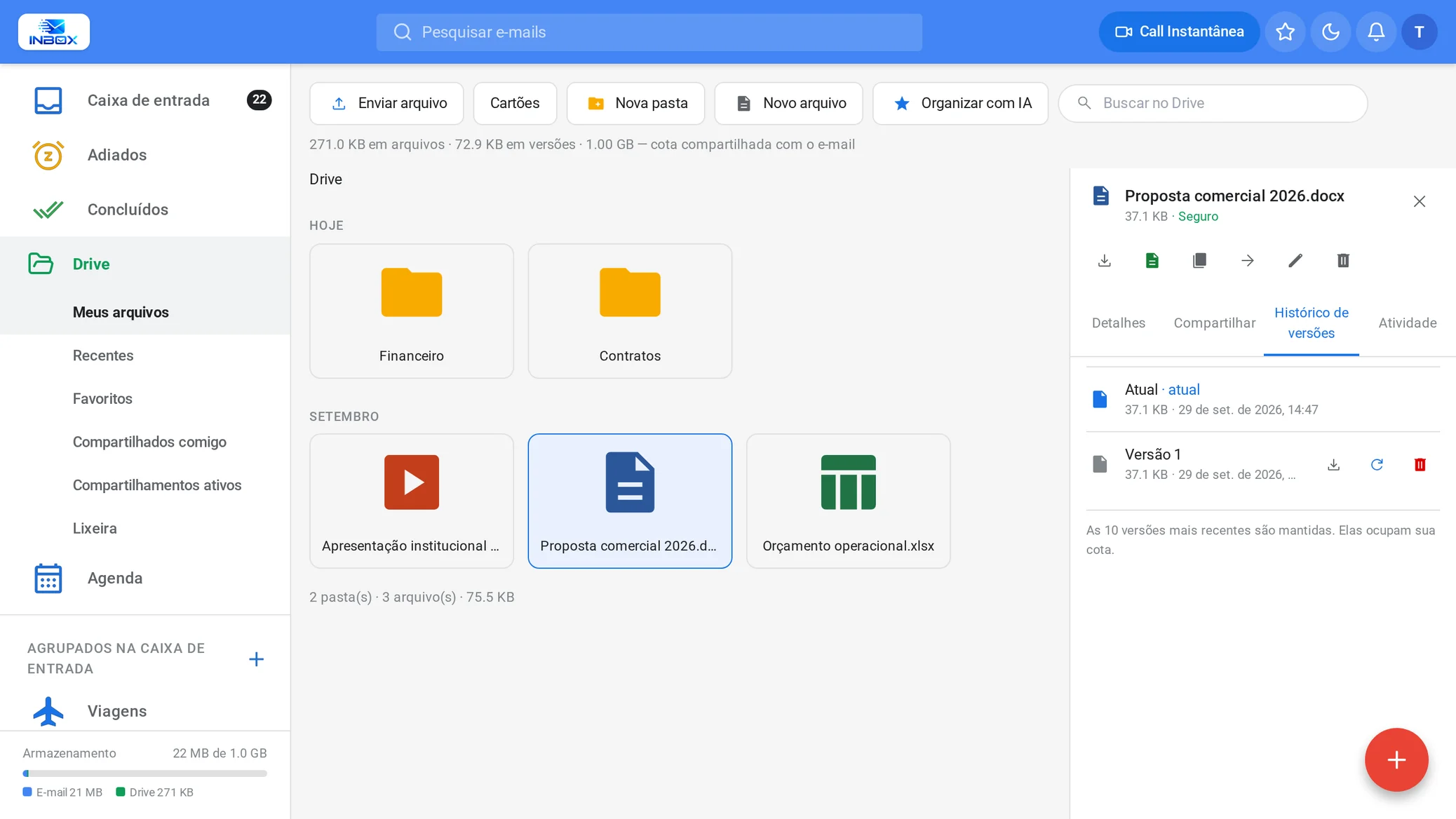
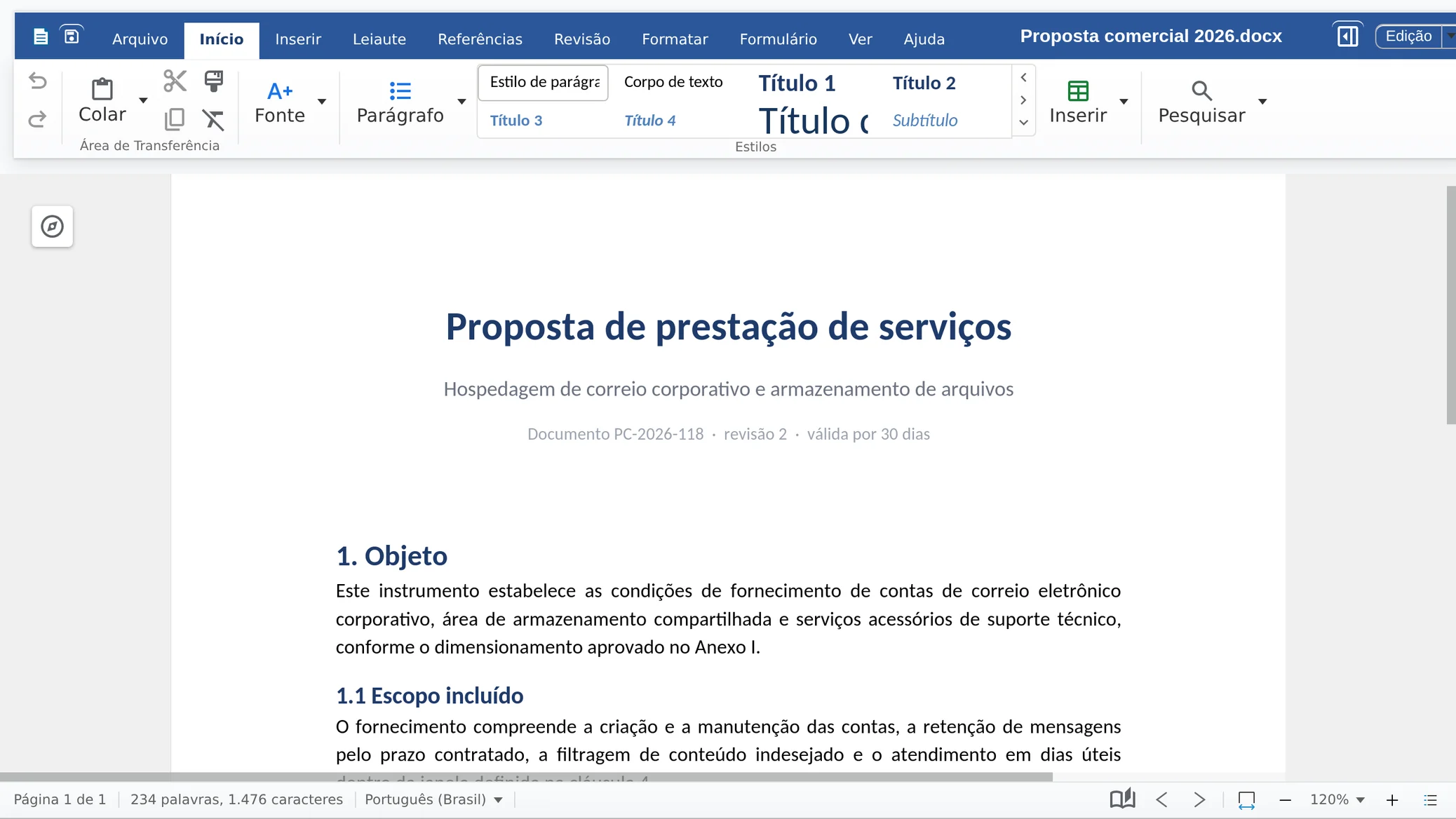
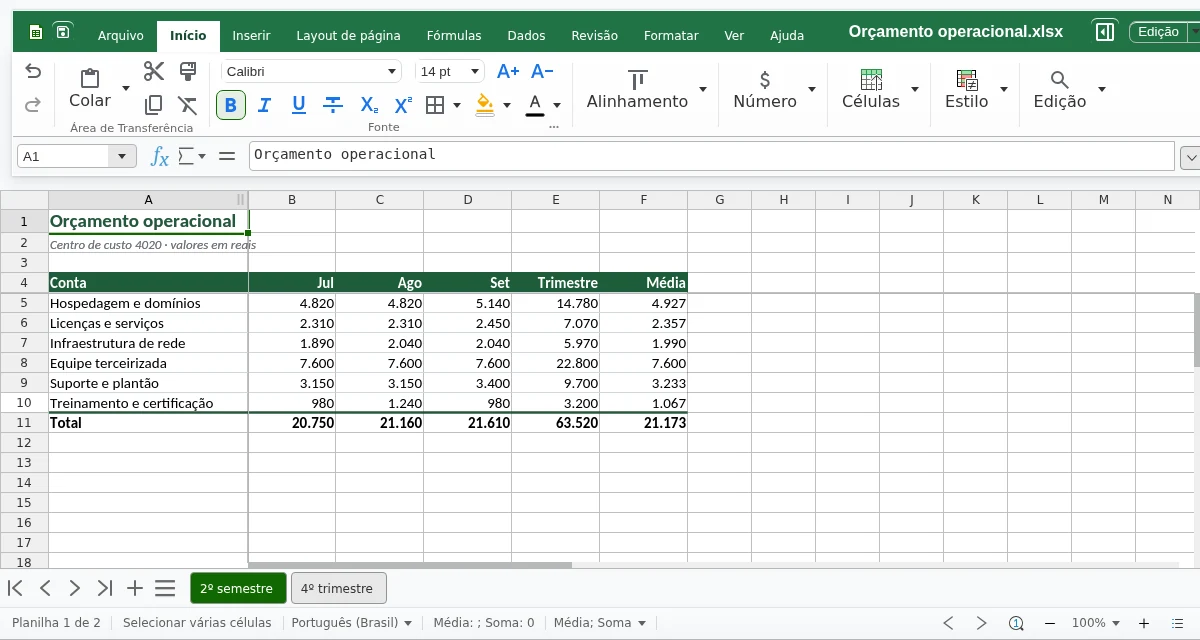
Drive stores your company's files with version history, and INBOX Office opens documents, spreadsheets and presentations in the browser, with real-time co-editing.
 Enlarge
 Enlarge
 Enlarge
Each replacement keeps the previous version, and any version can be restored.
Documents, spreadsheets and presentations with real-time co-editing, right in the browser.
One command sends the attachment to Drive; once edited, it goes back attached to the reply.
The editor has no per-user license: who works on the file is up to your team.
The AI reads the name and the beginning of each file and suggests the right folder, with the reason. Nothing is moved until you apply the suggestions.
Works with .docx, .xlsx and .pptx, and with the open formats .odt, .ods and .odp.
Every account uses your company's domain, and webmail opens with your company's branding. The technical setup comes ready from the panel or is handled by Horizon.
All accounts use your company's domain. Recipients see your company, not your email provider.
Access is through a company address, with your logo on the sign-in screen and an SSL certificate issued and renewed automatically.
The panel generates MX, SPF, DKIM and DMARC records and checks that they were published correctly. If any is wrong, it shows the steps to fix it.
The zone can be hosted by Horizon, with email records protected against accidental removal.
Strengthen your partnerships with a business email address @yourcompany.
The domain is the name after the @ in an email address — it's how people will know your contact. Choose something simple, memorable and that identifies your company.
INBOX provides the space to get your email up and running. Subscribe to the accounts you need, add your domain in the control panel and start creating your business accounts right away.
Once your domain is on the plan, you update your DNS records — and we help you do it. Propagation can take from 40 minutes to 24 hours. That's it: just let your clients and partners know.
A simple, intuitive control panel at no extra cost, running on our own infrastructure operated by Horizon. Managing your email becomes much easier.
Support handled by people (not bots), always available — every day of the week, including holidays, 24 hours a day, in English, Spanish and Portuguese.
SSL included on every account, plus antivirus and antispam on all plans. Backup is available as an optional add-on, purchased separately.
Webmail with your company's branding, Drive with version history, and document, spreadsheet and presentation editors in the browser.
ViewNative Android app, with biometric sign-in and screenshot blocking.
ViewCalendar integrated with email and video conferencing included, with no additional subscription.
ViewThree filtering layers, access control by time and origin, and AI processed on Horizon's own infrastructure.
ViewMailbox copy handled by specialists, at no additional cost and without stopping your current email.
ViewProgressive volume discounts, with a single storage allowance for messages and files.
ViewSupport from Horizon technicians and the questions asked before signing up.
ViewAccounts from $0.99 per month, with volume discounts.
